Technology, finally
at your pace.
Cell-U-Learn brings personalized, jargon-free tech education right to your door. We help seniors with all your technology needs—from smartphones and tablets to apps, email, video calls, and beyond.

You aren't just getting tech support.
You're gaining connection and confidence. We meet you exactly where you are.

One-on-One House Calls
We come to you. Every session is tailored to your specific device and learning style. No classroom, no rush — just patient, personalized guidance in the comfort of your own home.
- ✓Your device, your pace
- ✓Flexible scheduling
- ✓Same instructor each visit
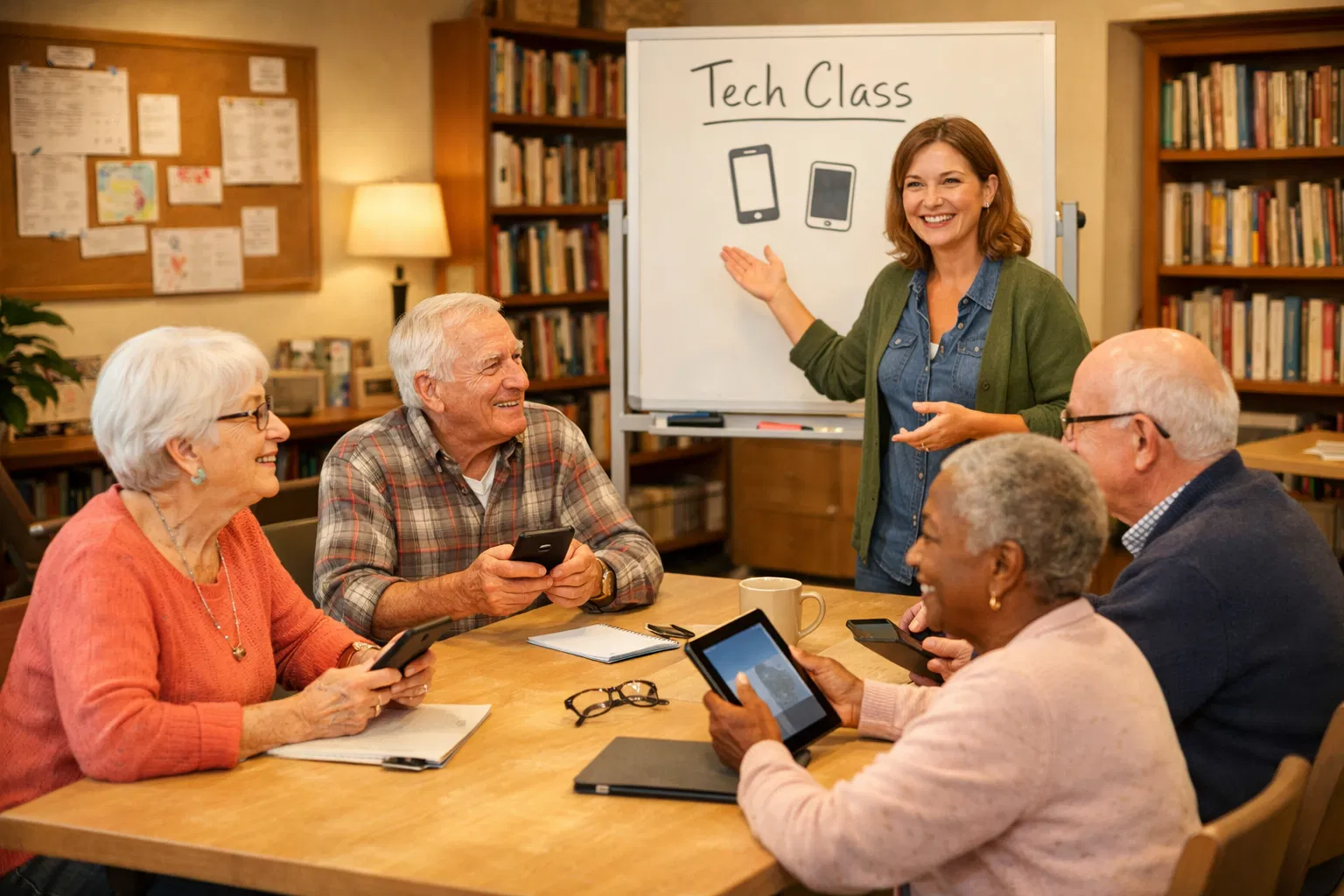
Group Workshops
Hosted at community centers, libraries, and assisted living facilities. Learn alongside neighbors and friends in a supportive, low-pressure group setting.
- ✓Community centers & libraries
- ✓Up to 15 participants
- ✓Facility partnerships available
"Digital Essentials" Curriculum
The four skills that change everything
Patience is our primary product.
Family members often move too fast. At Cell-U-Learn, we enjoy the process of teaching — no matter how long it takes.
We Come to You
No driving, no confusion. Our instructors come directly to your home with patience and a plan tailored to your device.
We Help With Everything
WiFi setup, printer configuration, identity theft protection, computer basics, and so much more — not just smartphones.
Perfect for Adult Children Too
Tired of being the family tech support? Gift a session to your parent and let a professional take the wheel — patiently.
Ongoing Support Available
The Grandkid-on-Call subscription means help is always a phone call away, even between sessions.
Simple, honest pricing.
No hidden fees. No confusing packages. Just clear, fair rates for real learning.
Private One-on-One Sessions
The gold standard for personalized, in-home learning.
Introductory Tech Audit
Setup session to clean up the phone and set large fonts/volume.
Single 1-Hour Session
Troubleshooting a specific issue (e.g., 'How do I use my pharmacy app?').
"The Essentials" Bundle
Covers the full 4-week Smartphone Freedom curriculum.
Group Workshops
High-value, community-focused sessions at centers and libraries.
| Workshop | Price |
|---|---|
Single Workshop 90 minutes | $35per person |
Workshop Series 4 Weeks | $120per person |
B2B / Facility Rate Per session | $500flat rate (up to 15 residents) |
The "Grandkid-on-Call" Plan
Peace of mind that help is just a phone call away. Perfect for seniors who want ongoing support between sessions.
- 2 × 15-minute Quick Fix calls per month
- 20% discount on all in-person sessions
- Priority scheduling within 24 hours
Value-Added Incentives
Refer-a-Friend Credit
Refer another student and get 50% off your next session.
Family Gift Certificates
Give Mom the gift of FaceTime this Christmas. Perfect for adult children.
Travel Fee Note
For in-home sessions further than 15 miles, a flat $15 travel fee applies.
"Smartphone Freedom"
Built on the Snail-Pace Principle — we focus on high-reward actions first (seeing family) before technical maintenance (software updates). Every session ends with a Victory Lap.
The Basics & The Safety Net
Goal: Overcome the fear of breaking the phone.
- ✓Buttons & Gestures: tap, long press, and swipe
- ✓The Home Button/Bar: always get back to the start
- ✓Volume & Visibility: adjusting text size and ringer
- ✓Charging & Power: cables and battery life
Staying Connected
Goal: Using the phone for its primary purpose — communication.
- ✓Contacts: save a new person and Favorite family members
- ✓Texting 101: messages, emojis, and voice dictation
- ✓Video Calls: mastering FaceTime, Zoom, or WhatsApp
- ✓Group Chats: joining (and muting!) the family thread
The Digital Guardian
Goal: Building a fortress around their data and well-being.
- ✓Spotting Scams: identifying fake texts and fraudulent calls
- ✓Password Basics: creating a simple but secure system
- ✓Health Essentials: Medical ID and emergency SOS shortcuts
- ✓The App Store: safely downloading apps without ad traps
Lifestyle & Independence
Goal: Making the phone a tool for daily convenience.
- ✓Capturing Memories: organizing the Photo Gallery
- ✓Utility Apps: Flashlight, Calculator, and Weather
- ✓Voice Assistants: Siri or Google reminders for medicine
- ✓Travel & Maps: typing an address and turn-by-turn directions
Student Takeaway: The Cheat Sheet
After every session, you receive a large-print laminated handout (14pt+) with a "What-If" section, an icon legend, and space to write your own notes in your own words. Because learning doesn't stop when we leave.
You have questions.
We have answers.
No question is too simple. The biggest barrier to learning is the fear of looking silly — and we're here to remove that fear entirely.
Our Promise to You
Ready to get started?
Book a session online, send us a message, or give us a call. We'll answer every question and find the right fit for you.
Cell-U-Learn
Personalized Technology Education for Seniors
Choose Your Service
Give the Gift of Connection
Family Gift Certificates are available for any service. Give Mom the gift of FaceTime this Christmas — or any occasion.
Ask About Gift CertificatesGrandkid-on-Call Support Line
Subscribers can call (239) 299-1894 for quick help between sessions. Never feel stuck alone.